

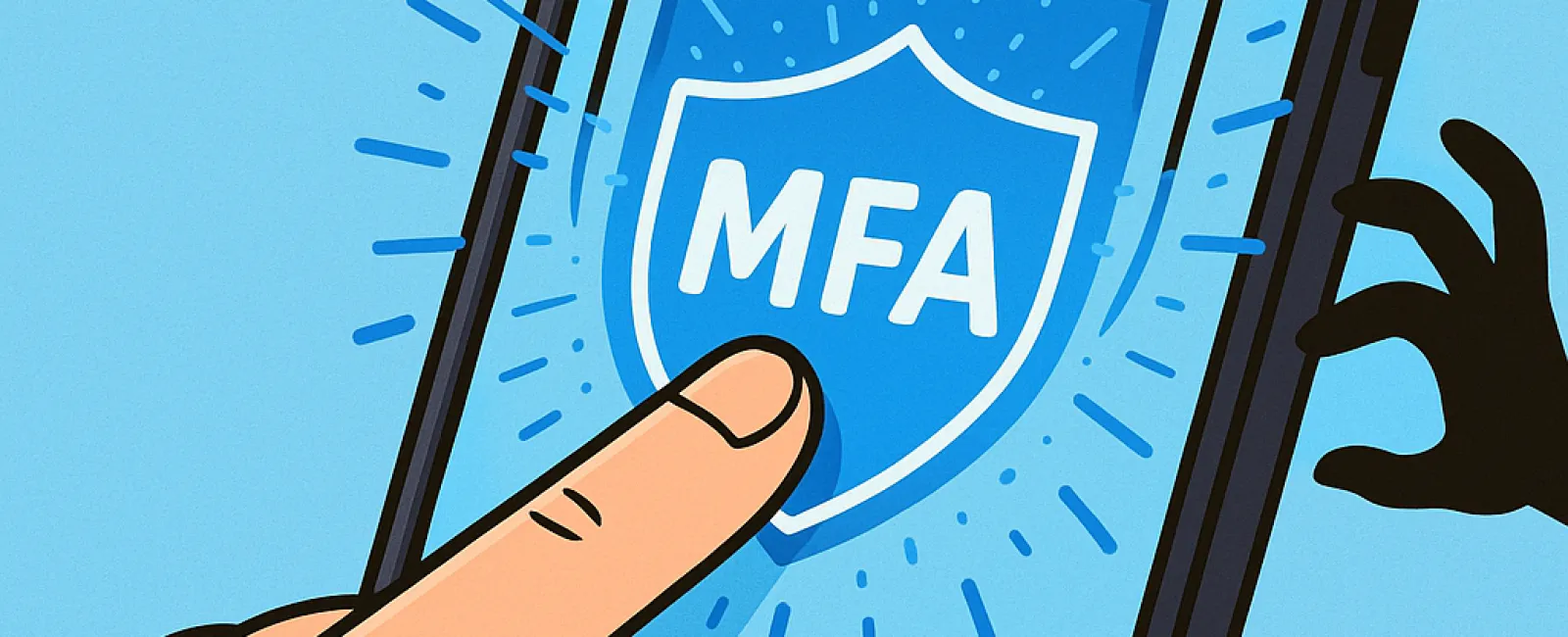
Just as you wouldn't drive without buckling your seatbelt or leave your office unsecured at night, you shouldn't access online accounts without multifactor authentication (MFA).
MFA acts as a powerful second barrier for your digital security. Instead of depending solely on a password—which can be compromised through theft, guessing, or phishing—it requires an additional verification step, like a text message code, an authentication app, or a fingerprint scan. Even if someone steals your password, this extra layer prevents unauthorized access.
A Simple Extra Step That Boosts Your Security
If your password is like locking your front door, then MFA is akin to setting the alarm system before you go to bed. It might seem optional, but it ensures your protection even if one layer fails.
MFA adds a fast, extra step to confirm it's really you signing in. Known also as "two-step verification," "two-factor authentication," or a "one-time password," these terms all describe the process of confirming your identity through two or more methods before access is granted.
Common forms include confirmation emails during account setup, security questions, text codes, push notifications, and phone calls—most require just a tap or quick input.
How MFA Protects You in Real Life
While MFA is quick and easy for you—just entering a code or tapping to approve—it creates major roadblocks for hackers. If someone tries logging into your account without authorization, MFA will send you an alert or a code prompt, giving you a chance to secure your account before any data is lost.
It also blocks intruders trying to use stolen passwords. Even if an employee is tricked into revealing login details, the extra verification stops hackers from breaking in. Microsoft's research shows that MFA reduces account breach risk by over 99.2%, increasing to 99.99% protection when enabled.
Where to Enable MFA and How to Get Started
It's critical to activate MFA on your most sensitive accounts, including:
- Banking and financial applications
- Email and cloud storage services
- Social media platforms
- Work accounts containing client or confidential data
Activating MFA is typically straightforward. Many major services have built-in options—just enable the method that suits your needs and integrate it into your routine. Using an authenticator app can further enhance employee account security.
In summary, MFA is a free, fast, and highly effective way to prevent most account hacks. Taking a few moments to set it up now can protect you from extensive data loss and costly recovery efforts in the future.
The fastest way to implement MFA is through your IT provider. A skilled MSP will simplify setup and ensure optimal protection. If you're seeking cybersecurity expertise, click here or call us at 214-845-8198 to schedule your 15-Minute Discovery Call with our team today.


