

Spring break often gets misunderstood.
Yes, college students often make wild choices, spawning tales that begin with, "We thought it was a good idea at the time…"
But grown-ups slip up just as easily during spring break—though their blunders tend to be quieter and tech-related.
You want quality moments with your family, yet work still calls. You rush, multitask, promising, "I'll just wrap this up quickly."
That's when things spiral.
Here are the top tech pitfalls on vacation—and how to avoid unwelcome digital souvenirs.
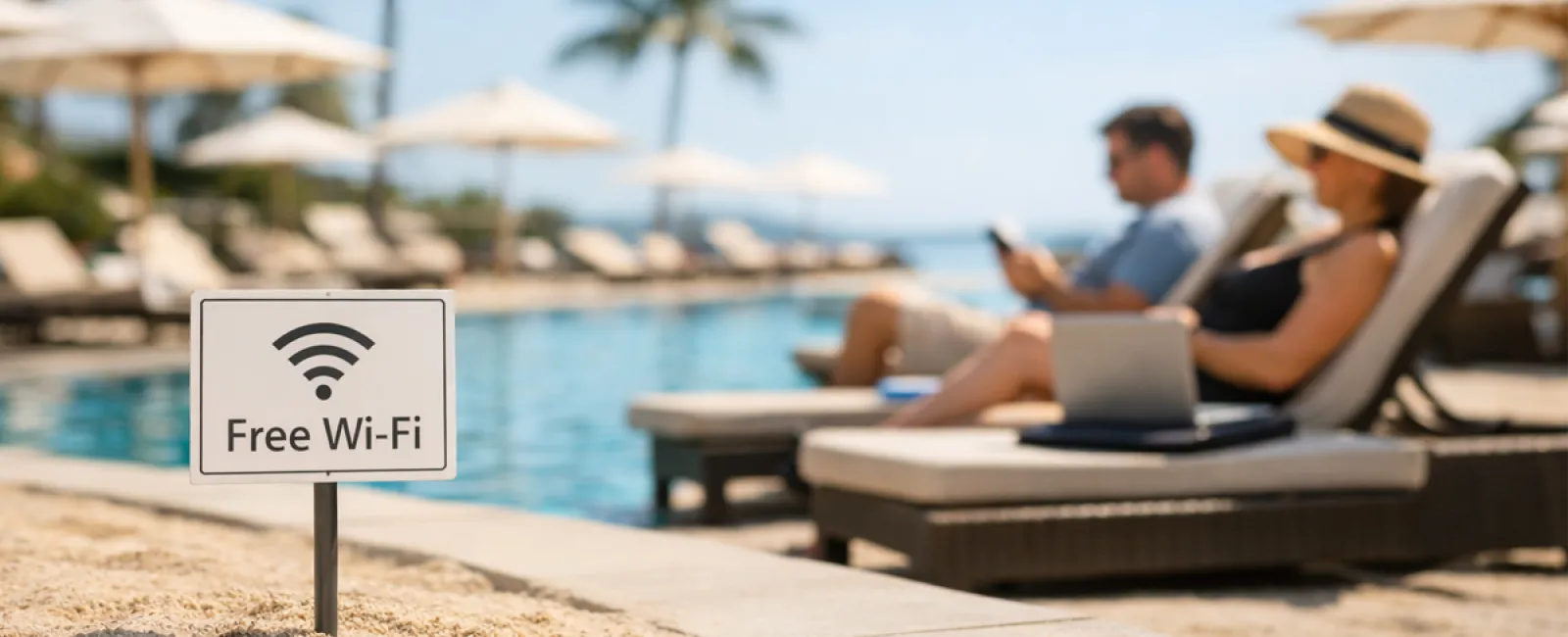
The "Free Wi-Fi Happy Hour" Trap
Hotels, cafes, airports—all offer Wi-Fi. You connect automatically, eager to send an email before breakfast ends.
The danger: Cybercriminals disguise fake networks like "HOTEL_GUEST_FREE," snooping on your logins, passwords, and banking info.
How to protect yourself: Use your phone's hotspot for sensitive tasks. If public Wi-Fi is necessary, confirm the network name with staff before connecting.
Beware the "March Madness Streaming Gambit"
The tournament's on, but the hotel lobby shows golf. You Google "free March Madness stream" and click the first somewhat convincing link.
After several pop-ups, something downloads silently, and the game begins.
The risk: Malware, hijacked browsers, and sites pretending to be ESPN that aren't legitimate.
Your defense: Rely only on official streaming apps. If a URL looks suspicious, close it immediately.
The "Here, Play with My Phone" Mistake
Your child's bored and your phone's games seem like a quick fix for peace.
An hour later, they've installed multiple unknown apps, granted all permissions, and joined dubious services like "RobuxFreeForever."
Why it's risky: Unvetted app permissions, unexpected email-linked accounts, and surprise in-app charges.
Smart solution: Provide a separate device exclusively for kids, ensuring it's disconnected from your work or financial data.
The "Quick Check-in" Work Spiral
One quick email leads to CRM access, then accounting software, client portals, and Slack—all on public hotel Wi-Fi as your family waits.
The hazard: Each login on unsecured networks risks credential theft, especially amidst the rush.
How to avoid: Use your personal hotspot for work. Or evaluate if the task can truly wait until after vacation.
The "Social Media Overshare" Syndrome
Beach selfie posted, tagged with location and travel dates: "Here until the 15th! 🌴"
The risk involved: Announcing your home is empty and off-limits while you're miles away.
Best practice: Share vacation photos after you return. The beach will look just as stunning then.
The "Low Battery Panic"
Your phone's nearly dead, and you plug into an airport USB port.
The danger at hand: Juice jacking—malicious charging stations that access your data while powering your device.
Preventive step: Carry a portable charger and always use your own cables and power adapters.
The "Vacation Password" Trap
Creating a Wi-Fi password like "Beach2026!" quickly for resort access.
By trip's end, multiple accounts share that same password.
Associated risk: A single breach compromises all linked accounts.
Recommended fix: Utilize a password manager to generate unique, random passwords for each service.
Final Thoughts
These common errors stem not from recklessness, but from being hurried and distracted, eager to return to vacation mode.
That's entirely normal.
Our goal isn't flawless behavior but fewer unexpected crises once you're home.
Prepare for Spring Break?
If your business already follows strong travel protocols, enjoy your getaway.
But if this sounds familiar, a quick 15-Minute Discovery Call might make all the difference.
No pressure, no gimmicks—just straightforward guidance to keep your vacation uninterrupted.
Not your issue? Share this with someone whose spring break tech habits could use some help.
Click here or give us a call at 214-845-8198 to schedule your free 15-Minute Discovery Call.


