

Imagine you're midway through a long holiday drive when your daughter asks to use your work laptop to play Roblox. This is the same device holding sensitive client information, financial data, and full access to your business. You're worn out from the trip, still have hours ahead, and the idea of a quiet moment sounds appealing. But is it safe?
Holiday travel introduces unique security risks that you don't encounter daily. Tiredness, unfamiliar WiFi networks, juggling family time with work check-ins—these factors can compromise your data. Whether your trip is for business, leisure, or a mix of both, here's how to safeguard your information and enjoy a worry-free holiday.
Pre-Trip Routine: Essential 15-Minute Security Setup
Spend a quick 15 minutes before you hit the road to secure your devices:
Device Preparation:
- Apply all security and software updates immediately
- Back up critical files securely to the cloud
- Enable automatic screen locks with a maximum 2-minute timeout
- Activate "Find My Device" on all smartphones and laptops
- Fully charge portable power banks
- Pack all necessary chargers and adapters
Family Device Guidelines:
- Clarify which gadgets children are allowed to use
- Bring a dedicated tablet or secondary device for entertainment
- Set up a separate user account on your laptop if kids must use it
Pro tip: Give your kids a tablet that's completely separate from your work devices. Investing a little in a $150 iPad can prevent a costly data breach down the road.
Hotel WiFi: Risks and Smart Usage
At the hotel, it's tempting to connect every device to the free WiFi: phones, laptops, gaming consoles. While your family streams shows and checks emails, your work devices might be vulnerable.
Why it's risky: Hotel networks are public and crowded, making them prime targets for hackers.
Real-world example: A family unknowingly joined a counterfeit network mimicking the hotel's WiFi. Every keystroke—passwords, emails, credit card details—was intercepted over two days.
Tips to protect yourself:
Confirm the exact network name with hotel staff; never assume.
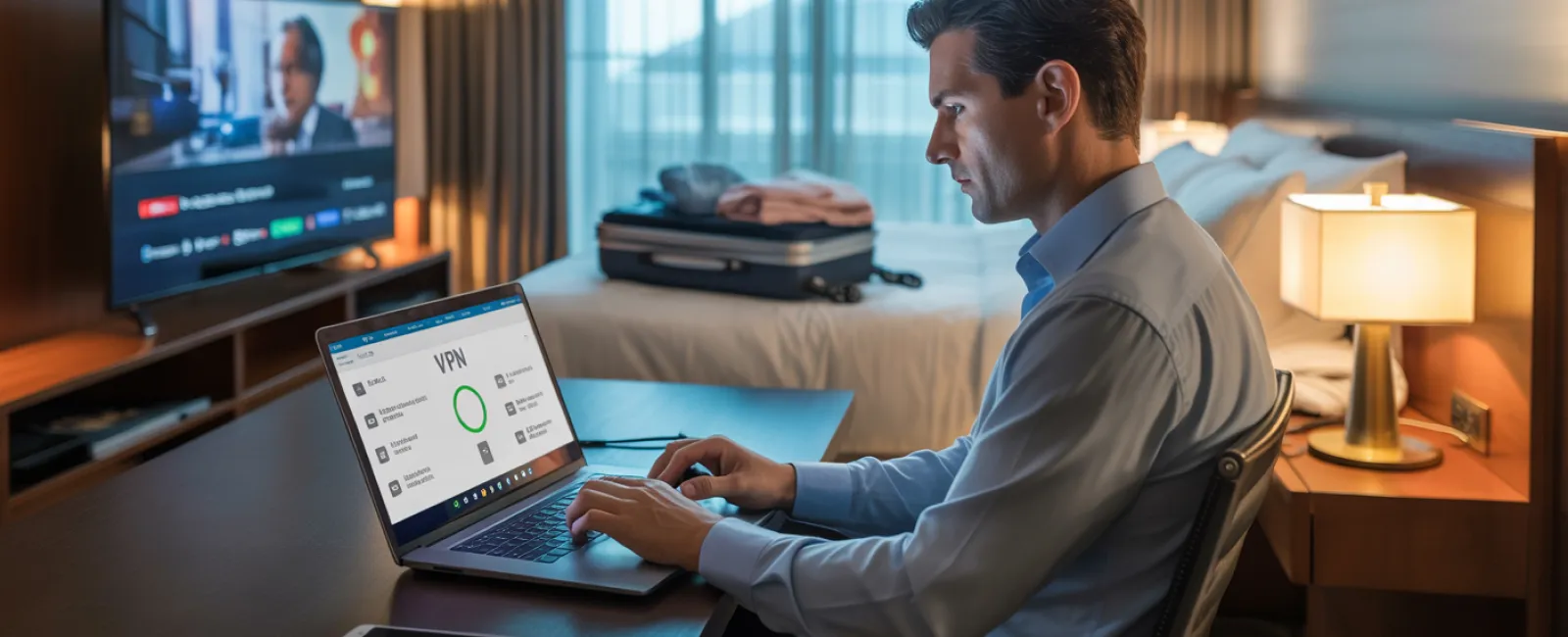
Use a VPN for all work-related connections to encrypt and secure your data.
Opt for your phone's hotspot when handling sensitive tasks like banking or accessing confidential client materials.
Separate entertainment and work networks—let kids enjoy streaming on hotel WiFi while you protect vital data on a private hotspot.
Keeping Work Devices Away From Kid's Play
Your work laptop contains valuable business information, but kids often want access for games or videos.
Security concerns: Children might inadvertently download malware, click phishing ads, share passwords, or remain logged into accounts—all of which pose risks to business security.
Effective solutions:
Politely but firmly deny access to work devices. Provide an alternative device instead.
When sharing is unavoidable:
- Create restricted user profiles
- Supervise usage carefully
- Block downloads
- Prevent saving passwords
- Clear browsing data after each session
Better yet: Take a separate family device on your trip. An outdated tablet or laptop without access to work accounts is ideal.
Streaming on Hotel TVs: Avoid Credential Exposure
Watching Netflix or other streaming services on hotel smart TVs is common. Someone logs in, but forgetting to log out means the next guest gains access.
The risk: Your account details are exposed, and if passwords are reused elsewhere (hopefully not!), other accounts could be compromised.
How to protect yourself:
- Use your own device to cast content to the TV—it's safer
- If logging into the TV, set a reminder to log out before checkout
- Even better: download shows ahead of time and avoid hotel TVs
Never sign in to the following on hotel TVs:
- Banking or financial apps
- Work or company accounts
- Email services
- Social media platforms
- Any accounts with stored payment info
Lost Devices: Immediate Actions
Travel chaos can lead to misplaced devices in public places. If your laptop or phone goes missing:
Act within the first hour:
- Use "Find My Device" to pinpoint the location
- If unrecoverable, remotely lock the device
- Change passwords on key accounts using another device
- Inform your IT team or managed service provider to disable company access
- Notify clients if confidential data was involved
Ensure the following before travel:
- Remote tracking enabled
- Strong password policies in place
- Automatic encryption of data
- Remote wipe enabled
If a family member loses a device, apply the same steps promptly to avoid breaches.
Rental Cars and Data Privacy
Connecting phones to rental car Bluetooth systems often syncs personal data like contacts and messages, which can persist after you return the vehicle.
Quick fix before handing the car back:
- Remove your phone from the car's Bluetooth list
- Clear recent GPS locations
- Consider using an aux cable or avoid connecting altogether
Balancing Work and Family During Vacation
It's easy to get distracted by work—checking emails multiple times or taking calls—when you promised quality family time. This blur can reduce your security vigilance, increasing risks.
Tips for setting boundaries:
- Limit work email to two scheduled check-ins per day
- Use your phone hotspot for work-related tasks, not hotel WiFi
- Work privately in your room, away from public view
- Be fully present during family activities, minimizing multitasking
Ultimately, the best security approach is to take a full break. Your business will survive a few days offline, and your alertness to cyber threats will improve when well-rested.
Adopting a Smart Holiday Travel Security Mindset
Balancing work and family during holiday travel is challenging. Sometimes your child really needs screen time on your laptop, and you might have to check an urgent email on the road.
The goal isn't perfection but intentional risk management, including:
- Preparing devices with security in mind before traveling
- Recognizing which activities are risky versus low-risk
- Creating clear boundaries between personal and business use
- Having a plan for when security issues arise
- Knowing when to firmly say, "No" to certain device uses
Create Cherished Holiday Memories, Not Security Headaches
The holidays are about sharing moments with loved ones—not managing a data breach or dealing with client fallout.
With a bit of preparation and smart rules, you can protect your business without interrupting the joy of the season. Your family enjoys the holiday, your business stays safe, and everyone wins.
Need assistance crafting travel security policies for your team and yourself? Click here or give us a call at 214-845-8198 to book a free 15-Minute Discovery Call with us. We'll help you create practical policies that protect your business without making travel impossible.
After all, no one wants their best holiday memory to be "Remember when Dad's laptop got hacked?"


