

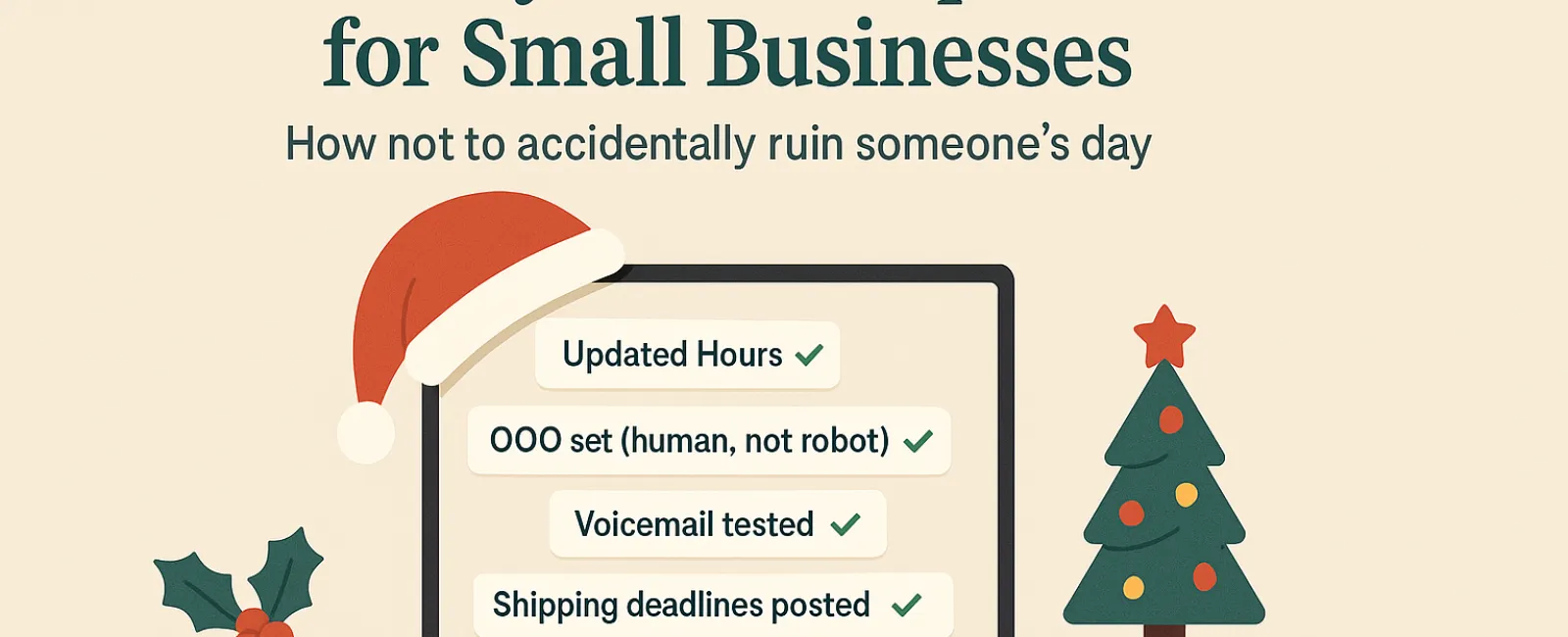
Holidays can be overwhelming enough without technology causing headaches. With customers rushing for last-minute needs, employees managing family commitments, and everyone's expectations sky-high, the last thing you want is avoidable tech issues frustrating your audience.
Consider this your essential Holiday Tech Etiquette Guide — because no business wants to be remembered as the one who spoiled someone's day.
1. Update Your Online Hours Now to Prevent Frustrated Customers
Imagine a customer dashing across town on their lunch break because Google shows you're open—only to find your doors locked. That's how a bad first impression starts.
Where to update your hours:
- Google Business Profile (primary source!)
- Facebook, Instagram, Yelp, and any platform your customers use
- Your website banner with clear holiday hours
- Apple Maps (yes, still important)
Example update: "Happy Holidays! We're closed Thursday, Nov. 28 through Sunday, Dec. 1 to enjoy family time. Back to regular hours Monday morning — maybe a bit tired, but ready to assist!"
2. Craft Warm, Human Out-Of-Office Replies
Taking time off? Don't leave customers wondering if you vanished. A well-crafted auto-reply acts like a courteous receptionist — personal, professional, and reassuring.
Sample message: "Thanks for contacting us! Our office is closed for Thanksgiving from Nov. 28 to Dec. 1. We'll reply as soon as we're back and rejuvenated. For urgent matters, please call (XXX) XXX-XXXX. Warm wishes for a wonderful holiday!"
3. Keep "Out Of Office" Messages Clear and Confidential
Stick to the essentials. Customers don't need your travel plans or personal stories; this can come off as oversharing and might pose security concerns. Focus on dates, response expectations, and alternate contacts. Save vacation details for social media updates.
4. Verify Your Phone Systems Well Before Holiday Rush
Holiday callers are often hurried and stressed. Make sure your voicemail matches your actual hours and provides clear guidance — no frustrating detours.
Pro tip: Try calling your own business line. You'd be surprised how many voicemail greetings haven't been updated in years.
Example voicemail: "You've reached [Business Name]. We are currently closed for the holiday weekend. Please leave a message, and we will return your call Monday morning. For urgent assistance, press 1 to reach our on-call team. Happy Holidays and thank you for your patience!"
5. Clearly Communicate Shipping Deadlines to Avoid Last-Minute Stress
If your business involves shipping, share cut-off dates prominently and early. Place "order by" deadlines on your website and send reminder emails to shoppers.
Late deliveries can damage relationships. Nobody wants to explain why a special gift shows up months late.
In Summary: Thoughtful Tech Etiquette Equals Happy Customers and Stronger Business
Holiday tech etiquette is simple: set expectations clearly, communicate warmly, and respect your customers' time. A few small updates can save lots of frustration and keep your reputation shining bright.
Remember, the aim isn't just to avoid problems but to let your customers feel valued even when you're away.
Need help ensuring your systems and customer experience remain seamless this season? Call us at 214-845-8198 or click here to book your free 15-Minute Discovery Call. Let's discuss effortless ways to keep your business running smoothly while you enjoy your well-earned break.


