

April Fools' Day comes and goes, with its hoaxes and false alerts fading away—but the threat of scams persists.
Unfortunately, cybercriminals keep exploiting this season with increased vigor.
Spring marks a peak period for cyberattacks—not due to negligence, but because hectic schedules and distractions make it easier for fraudulent messages to slip by unnoticed.
Below are three current scams targeting diligent, well-intentioned employees hustling through their daily tasks.
As you read these examples, ask yourself: Does everyone on my team take the time to spot these threats before it's too late?
Scam #1: Fake Toll or Parking Fee Notifications
An employee receives a text:
"You owe an unpaid toll of $6.99. Pay within 12 hours to avoid penalties."
The message references authentic toll systems like E-ZPass, SunPass, or FasTrak—matching the employee's state.
The small fee seems harmless; between meetings, the employee clicks the link, pays, and moves on.
But the link is fraudulent.
In 2024, the FBI documented over 60,000 complaints about counterfeit toll texts, and incidents surged 900% into 2025. Over 60,000 fake domains impersonate state toll services, highlighting how profitable this scam has become. Some messages even target residents in states without toll roads.
The scam's success lies in its subtlety: a minor amount paired with familiarity makes the alert feel credible.
Defense tip: Legitimate toll agencies never require immediate payment via text. Enforce a firm policy: employees should always access official sites or apps directly for payments. Avoid responding to suspicious texts—even replying "STOP" can confirm active numbers and increase scam attempts.
Convenience tempts victims; established protocols safeguard them.
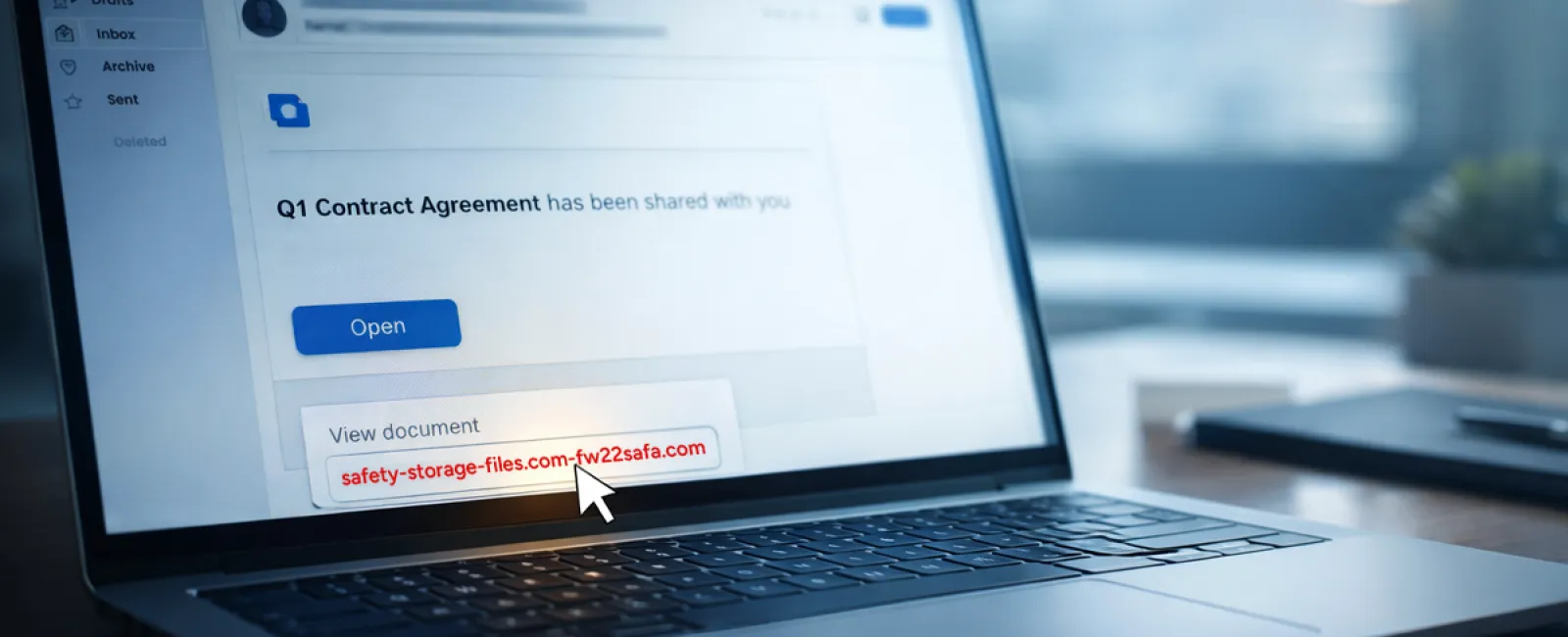
Scam #2: "Your File Is Ready" Emails
This scam seamlessly blends into routine work.
An email notifies an employee of a shared document—often something typical like a DocuSign contract, OneDrive spreadsheet, or Google Drive file.
The sender's name and message format appear legitimate.
Trusting the notice, the employee clicks, logs in, and unknowingly shares credentials with attackers, granting them access to the company cloud environment.
Phishing on trusted platforms like Google Drive, DocuSign, Microsoft, and Salesforce rose 67% in 2025, with Google Slides phishing multiplying by more than 200% over six months, according to KnowBe4's Threat Labs.
Employees are seven times more likely to fall for links from OneDrive or SharePoint notifications than random emails, given the identical appearance to legitimate prompts.
The latest schemes embed phishing within compromised accounts, sending notifications via real Google or Microsoft servers. These evade spam filters because they originate from trusted sources.
Protection advice: If unexpected, employees should never click email links for file shares. Instead, they should log into platforms directly through browsers. Companies can minimize risk by restricting external file sharing and activating alerts for unusual login activity—simple settings IT can enable in minutes.
Disciplined habits create strong defenses.
Scam #3: Sophisticated, Polished Phishing Emails
Gone are the days when phishing was easy to spot by poor grammar and formatting.
A 2025 study revealed AI-crafted phishing emails have a 54% click rate—more than four times higher than human-made ones at 12%—because they mimic real company details, job roles, and workflows using data scraped from LinkedIn and websites in seconds.
Targeted attacks now focus on specific departments: HR and payroll receive fake employee verification requests, while finance teams get fraudulent vendor payment changes. In a recent test, 72% of recipients clicked vendor impersonation emails—a 90% higher rate than other phishing types.
These emails appear professional, calm, and urgent without alarm bells—just like any normal day's messages.
How to guard: Verify any unusual request involving credentials, payments, or sensitive data through a separate channel—like a phone call, chat, or in-person check. Before clicking, hover over sender emails to confirm the domain. Treat urgency as a red flag rather than a reason to act impulsively.
Genuine security empowers calm vigilance, not panic.
The Core Lesson
These scams thrive on trust, authority, timing, and the belief that "it'll only take a moment."
The real vulnerability isn't careless employees but systems assuming everyone will always slow down and make perfect decisions under stress.
If one rushed click can disrupt your entire operation, that's a process gap—not a people problem.
Thankfully, process weaknesses can be fixed.
How We Can Support You
Most business leaders don't want another overwhelming project or the burden of educating everyone on threats.
They want peace of mind knowing their company isn't unknowingly exposed.
If you're worried about your team's exposure—or know another leader who should be—let's have a conversation.
Schedule a clear, no-pressure discovery call focused on:
- The risks businesses like yours face right now
- How hidden threats sneak in through everyday work
- Practical steps to reduce exposure without slowing your team
No hype. Just a straightforward talk to identify risks and explore solutions.
Click here or give us a call at 214-845-8198 to schedule your free 15-Minute Discovery Call.
If this message isn't relevant to you, please share it with someone who would benefit. Sometimes the simplest awareness turns a "would've clicked" into a "nice try."


